
7 Photo Tips for a Better Mr Stretchy Ms Stretchy AI Video
 Mr Stretchy Mrs Stretchy AI Studio
Choose photos for your Mr Stretchy Ms Stretchy AI Video with seven decisions about current appearance, face detail, extra people, source files, and casting.
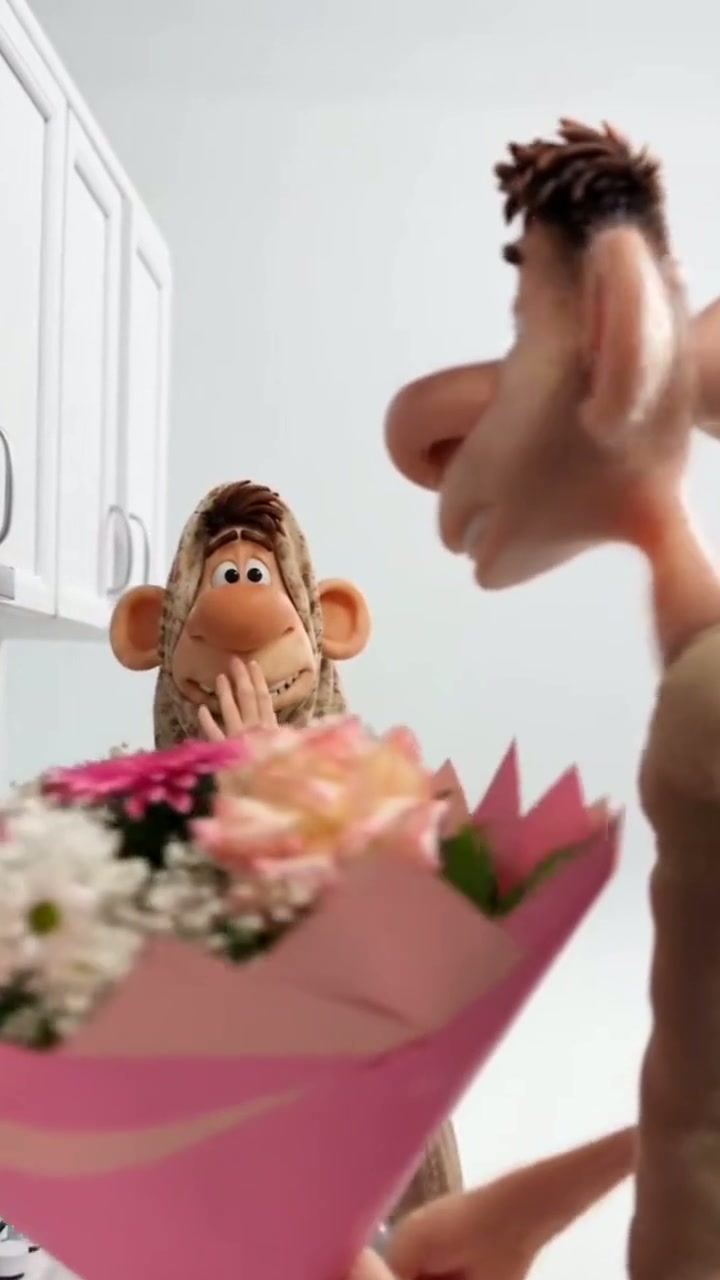
The best-looking photo in your album is not always the most useful reference for a Mr Stretchy Ms Stretchy AI Video. A favorite holiday shot may hide one person's face; a polished profile picture may look little like them today. Use these seven decisions to choose a pair your friends can recognize before uploading to the video generator.
1. Choose the Version of Each Person People Know
Decide whether you want today's appearance or a particular shared memory. For everyday comedy, a recent photo usually makes that choice simpler. An old haircut, heavy beauty filter, or face-altering effect may introduce details you did not intend to use. Pick a photo that resembles the person your audience expects to see.
2. Keep the Details That Make Them Distinct
Compare your candidates for recognizable cues: the hairline, eyebrow shape, smile, glasses, or beard. Prefer the image where those details are visible over the one with the most dramatic pose. Glasses need not rule out a photo, but strong lens reflections can hide the eyes. Treat these as reference details, not a promise that every accessory will appear in the result.
3. Keep Unintended People Out of the Cast
Check the background as well as the foreground. A group selfie, a face in a mirror, or someone leaning into the edge gives you more people than the two roles need. Choose another source photo with just the intended person or pair. Do not assume the generator will know which extra face to ignore.
4. Decide Whether a Couple Photo Serves Both People
Judge each face separately. A duo photo is a useful candidate when both people are clearly visible; a good picture of one person does not compensate for the other being distant or hidden. If the same shot does not serve both, choose individual portraits instead. You do not need to force a favorite memory into being a useful reference.
5. Reject Photos That Need Guesswork
Use a simple veto: can you see the eyes, mouth, chin, and head shape without guessing? Deep shadow, motion blur, a hand across the face, or a frame cutting off the head can make the answer no. Look for another photo rather than relying on the animation to supply the missing information. This check matters more than matching outfits or backgrounds.
6. Inspect the File You Will Actually Upload
Open the file at a larger size before choosing it. A tiny social avatar can look clear until you enlarge it; a screenshot may contain more interface than face. Use the available original photo where possible. If it is on your phone, Scan QR to Upload from Phone lets you send it to the relevant desktop slot. Wait for the intended image to appear before continuing.
7. Assign People to the Joke's Roles
Watch the reference and decide who should perform each action. With individual portraits, Slot 1 assigns Ms Stretchy on the left and Slot 2 assigns Mr Stretchy on the right; Swap L/R exchanges those assignments before submission. A single couple photo goes in Slot 1 with Slot 2 empty. Check the loaded images against your casting choice once more.
Ready to turn those choices into a clip? Follow the Mr Stretchy Ms Stretchy AI Video walkthrough for scene selection, credit checks, and a review before sharing.